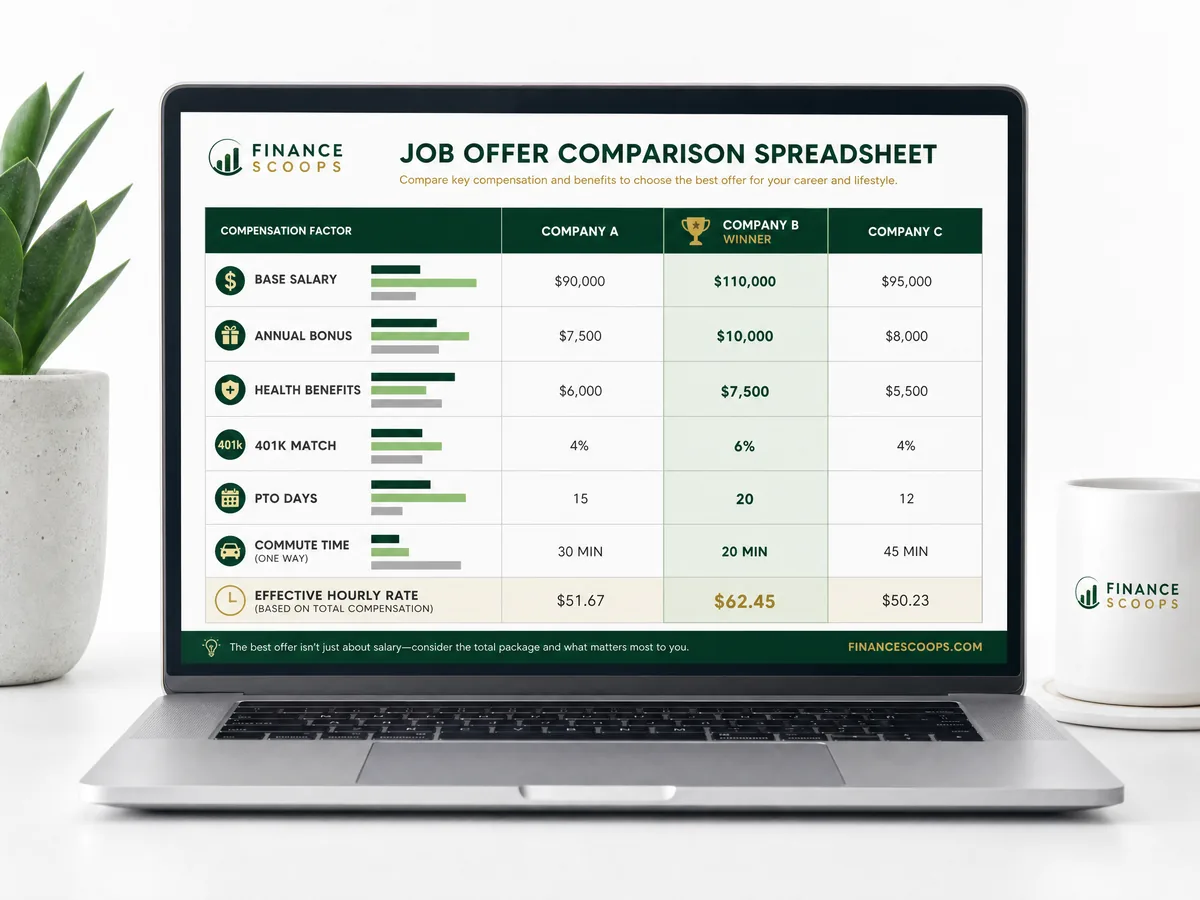
Job Offer Comparison Spreadsheet
Compare up to 4 job offers side by side — salary, bonus, equity, benefits, PTO, and commute — with an automatic effective hourly rate and a flagged winner.
- Instant digital download
- Lifetime access & updates
- Works with Excel & Google Sheets
- Easy to customize
- Professional design
Purchase
Secure payment processed by Stripe
About the Job Offer Comparison Spreadsheet
Choosing between job offers is one of the biggest financial decisions you will make — yet most people compare offers on base salary alone. The Job Offer Comparison Spreadsheet shows you which offer actually pays more once benefits, bonuses, equity, PTO, and your commute are all counted. Enter each offer once and let the workbook do the math.
Compare Up to 4 Offers Side by Side
Line up as many as four job offers in clean, side-by-side columns. For each one you enter the details straight from your offer letter — base salary, signing bonus, target annual bonus, equity or RSU value, employer 401(k) or pension match, PTO days, health insurance cost, and commute time and cost. Leave any field blank and it is simply treated as $0, so you only ever fill in what applies.
See Your True Annual Value — Not Just Salary
The spreadsheet automatically calculates each offer’s Total Annual Compensation, then subtracts the health insurance and commute costs you actually pay to reveal your True Annual Value. Suddenly the offer with the biggest headline number is not always the one that leaves you better off.
Effective Hourly Rate, Including Your Commute
This is where the real insight lives. The Effective Hourly Rate divides each offer’s value by the total hours you give the job — including the hours you spend commuting every year. A lower salary with no commute can easily beat a higher salary with a long one, and this spreadsheet proves it in numbers.
An Automatic Winner Dashboard
The Comparison Dashboard flags the Best Total Annual Compensation and the Best Effective Hourly Rate for you, so you can see at a glance which offer wins on total pay and which wins on value for your time. Every total updates the moment you change a number — no formulas to build, nothing to set up.
Whether you are weighing two offers or four, negotiating a raise, or deciding between remote and in-office roles, this spreadsheet turns a stressful decision into a clear, confident one.
How It Works
Enter each job offer's details in the blue input cells on the Offer Inputs tab — up to 4 offers, one per column.
Add base salary, bonuses, equity, 401(k) match, PTO, health insurance cost, and commute time and cost for each offer.
Leave any row blank if it does not apply to an offer — it is automatically treated as $0.
The Comparison Dashboard instantly calculates Total Annual Compensation, True Annual Value, Effective Hourly Rate, and Total First-Year Value.
The dashboard flags the best offer by total pay and by effective hourly rate, so you can decide with confidence.
Who Is This For?
- Job seekers weighing two or more offers and unsure which one truly pays more
- Professionals negotiating a new role who want to quantify the full value of each package
- Anyone comparing a higher salary with a long commute against a lower salary closer to home
- Career changers factoring in benefits, equity, and PTO — not just base salary
- Remote vs. in-office decisions where commute time and cost change the real math
What's Included
- Offer Inputs tab with side-by-side columns for up to 4 job offers
- Automatic calculations for total compensation, true annual value, and effective hourly rate
- Effective Hourly Rate that factors in your annual commute time, not just salary
- Comparison Dashboard that auto-flags the best offer by total pay and by value for your time
- Clear color-coded layout — blue cells for your inputs, yellow cells for automatic totals
- Step-by-step instructions tab so you can start comparing in minutes
Compatibility
- Works in Google Sheets (recommended) and Microsoft Excel
- Accessible on desktop, tablet, and mobile devices
- All formulas pre-built and verified — no setup or financial software required
- Instant download with lifetime access and free updates
Frequently Asked Questions
You May Also Like
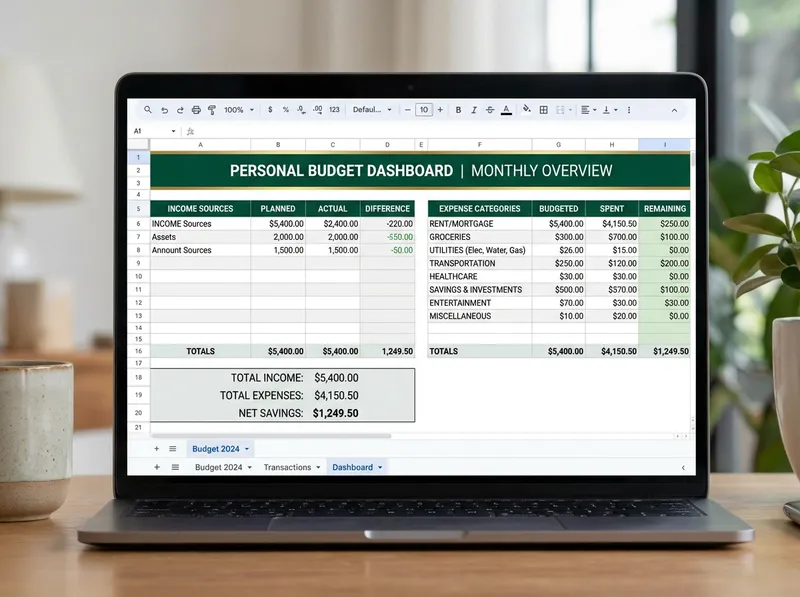
Ultimate Annual Budget Spreadsheet
Comprehensive monthly budget template with expense tracking, visual charts, and savings goals.
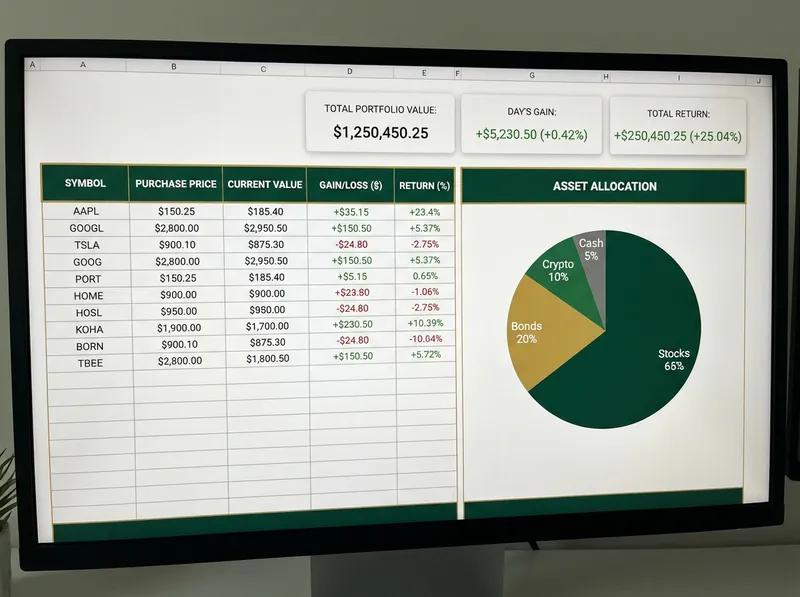
Investment Networth Calculator and Tracker
Build Your Future. Track Your Wealth. See your full 12-month net worth journey at a glance. Monthly totals, growth rates, and year-end summary all auto-calculated. Track stocks, bonds, ETFs, and crypto with performance metrics and asset allocation charts.

Debt Snowball and Debt Avalanche Payoff Planner Spreadsheet
Your Complete Debt Payoff Planning Tool • Up to 40 Debts • Two Strategies. See your complete overview: charts, total interest, payoff timeline, and side-by-side strategy comparison. Strategic debt reduction planner with snowball/avalanche methods and progress tracking.
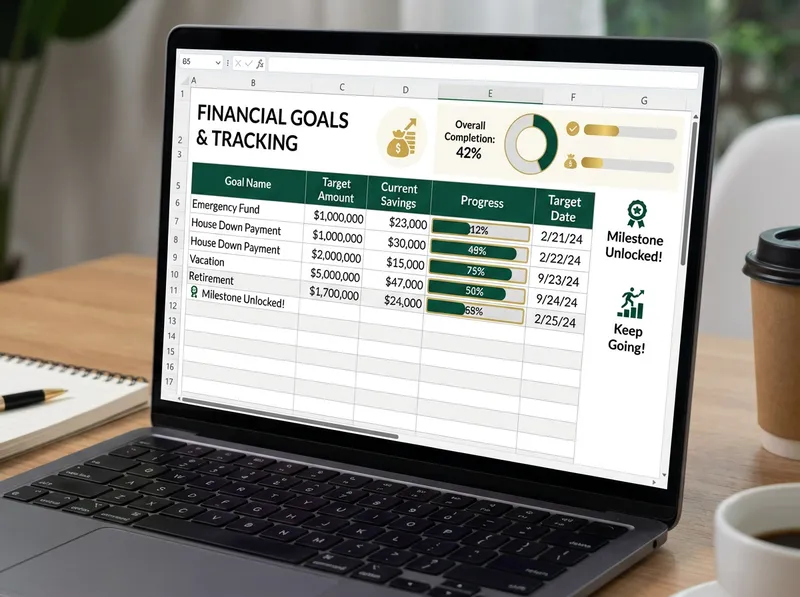
Financial Goals Planner
Set, track, and achieve your financial goals with visual progress tracking and milestones.