Ultimate Workout Planner Calculator Spreadsheet
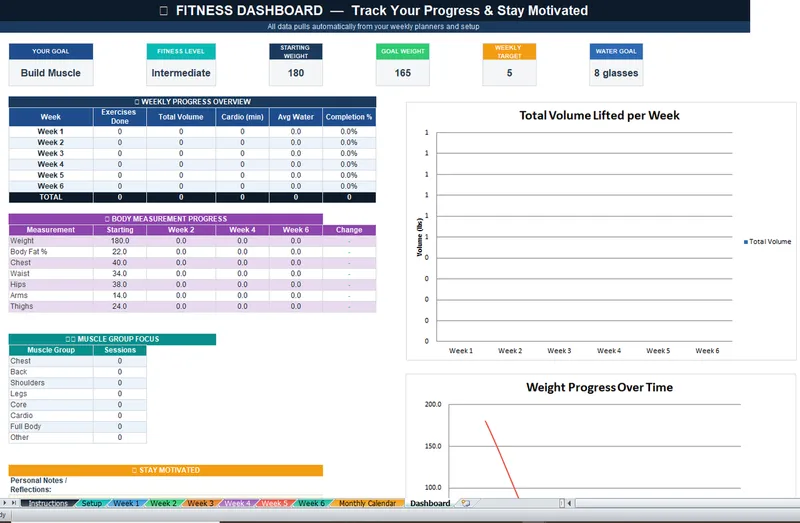
Exercise Setup • 6 Weekly Planners • Monthly Calendar • Progress Dashboard - Plan your weeks (Week 1–6). Each week has a daily planner for all 7 days. Select exercises from dropdowns, enter sets, reps, weight, and track completion. Water intake and daily notes included.
- Instant digital download
- Lifetime access & updates
- Works with Excel & Google Sheets
- Easy to customize
- Professional design
Purchase
Secure payment processed by Stripe
About the Ultimate Workout Planner Calculator Spreadsheet
Build your best physique with the Ultimate Workout Planner Calculator Spreadsheet. This structured 6-week training planner helps you organize workouts, track exercises, and monitor progress — all without expensive personal training apps or gym memberships beyond your regular one.
Exercise Setup & Configuration
Start in the Exercise Setup tab where you configure your complete exercise library. Add any exercise — barbell squats, dumbbell curls, bodyweight push-ups, resistance band work, or cardio sessions — with custom sets, reps, weight targets, and rest periods. Build exercise templates that you can quickly drop into your weekly plans.
6-Week Training Structure
The planner includes six dedicated weekly planner tabs, each covering all seven days. Plan your training split however you prefer: push/pull/legs, upper/lower, full body, or any custom arrangement. Each day's plan shows your scheduled exercises with target sets, reps, and weights. During your workout, log your actual performance alongside the targets to track adherence and progression.
Monthly Calendar Overview
The Monthly Calendar gives you a bird's-eye view of your training schedule. See your workout frequency at a glance, identify rest day patterns, and ensure you are hitting every muscle group with appropriate frequency throughout the month.
Progress Dashboard
Track your fitness journey with visual charts showing total volume lifted, workout consistency streaks, personal records, and training frequency trends. The dashboard updates automatically as you log workouts, giving you the motivation of visible progress and the data to make informed adjustments to your program.
From beginners starting their first structured program to experienced lifters tracking progressive overload, this planner adapts to every fitness level and training style.
How It Works
Set up your exercises in the Exercise Setup tab with custom sets, reps, weights, and rest periods.
Plan your workouts across 6 weekly planner tabs — each week covers all 7 days.
Use the Monthly Calendar for a bird's-eye view of your training schedule.
Log your actual performance during workouts directly from your phone or computer.
Track progress on the dashboard with visual charts showing volume, consistency, and personal records.
Who Is This For?
- Gym-goers who want a structured workout plan without a personal trainer
- Beginners starting their fitness journey who need an organized system
- Intermediate and advanced lifters tracking progressive overload
- Anyone doing home workouts who wants to stay accountable and track progress
- Fitness enthusiasts who prefer a spreadsheet over expensive workout apps
What's Included
- Exercise Setup tab for configuring your full exercise library
- 6 Weekly Planner tabs with daily workout slots for all 7 days per week
- Monthly Calendar for overview scheduling and workout frequency tracking
- Progress Dashboard with visual charts for volume, PRs, and consistency
- Customizable for any workout style: PPL, upper/lower, full body, HIIT, and more
Compatibility
- Works in Google Sheets (recommended) — log workouts from your phone at the gym
- Also compatible with Microsoft Excel for desktop use
- No workout app subscription or account required
- Instant download with lifetime access to future feature updates
Frequently Asked Questions
You May Also Like
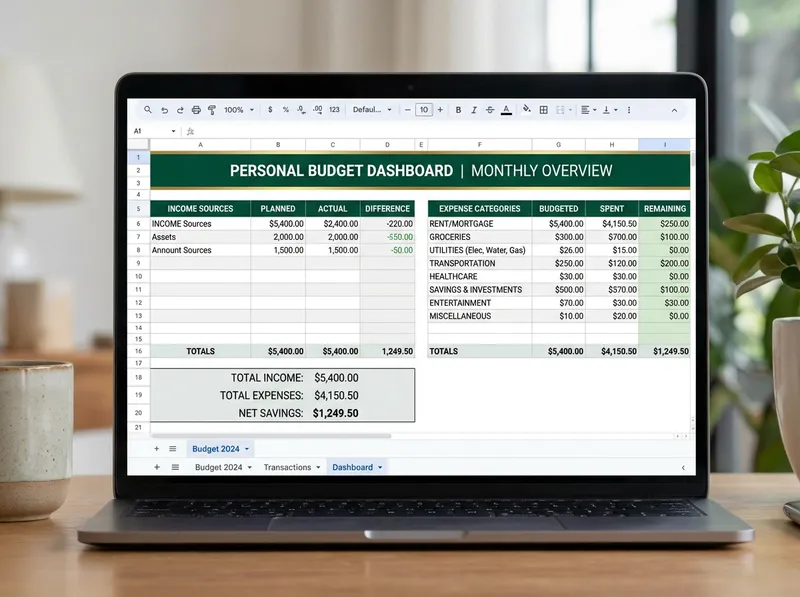
Ultimate Annual Budget Spreadsheet
Comprehensive monthly budget template with expense tracking, visual charts, and savings goals.
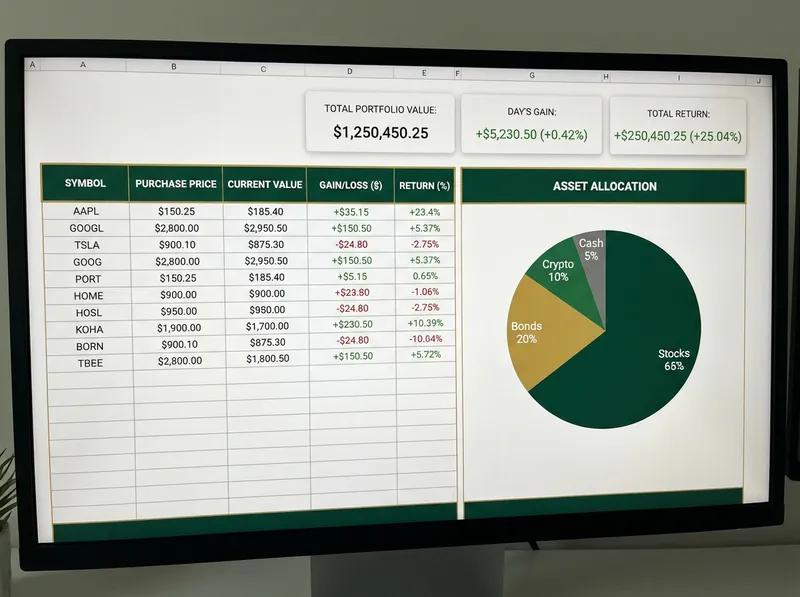
Investment Networth Calculator and Tracker
Build Your Future. Track Your Wealth. See your full 12-month net worth journey at a glance. Monthly totals, growth rates, and year-end summary all auto-calculated. Track stocks, bonds, ETFs, and crypto with performance metrics and asset allocation charts.
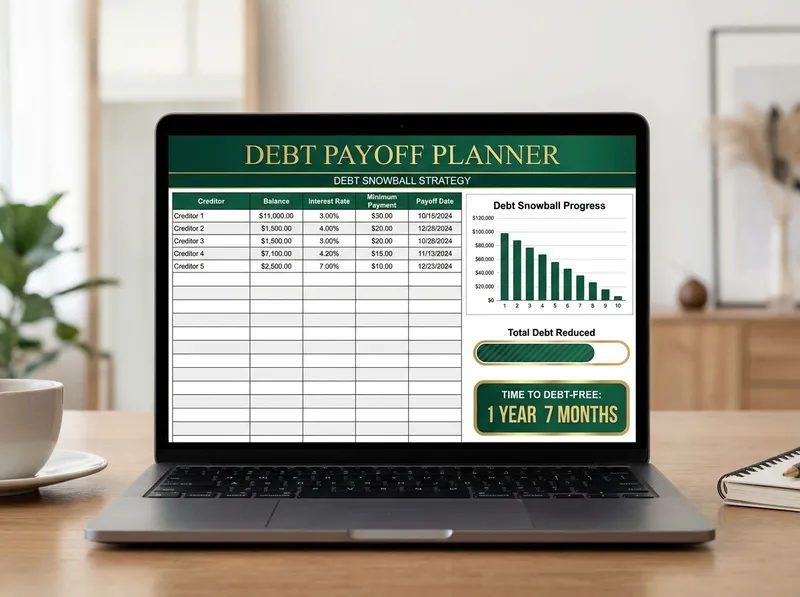
Debt Snowball and Debt Avalanche Payoff Planner Spreadsheet
Your Complete Debt Payoff Planning Tool • Up to 40 Debts • Two Strategies. See your complete overview: charts, total interest, payoff timeline, and side-by-side strategy comparison. Strategic debt reduction planner with snowball/avalanche methods and progress tracking.
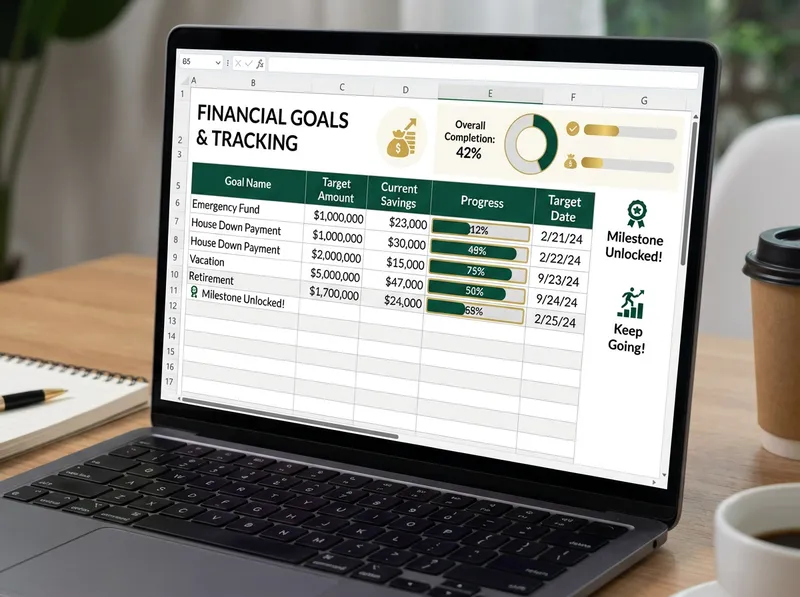
Financial Goals Planner
Set, track, and achieve your financial goals with visual progress tracking and milestones.